
Win7 Game Withdraw is a simple process. Follow these guidelines to securely access your account.
Table of Contents
ToggleOpen the Win7 application and login securely
Go to your account dashboard and select the ‘Wallet’ or ‘My Balance’ section to view your available balance.
Choose the option. Ensure your balance meets the minimum required amount.
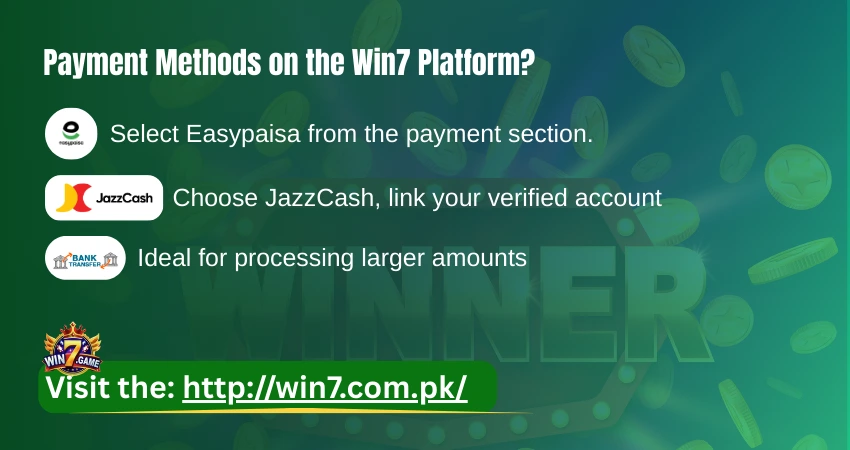
Choose your preferred method
Accurately enter the required details for your chosen method (e.g., registered mobile number for Easypaisa/JazzCash or bank account information). Specify the amount and confirm the transaction.
Submit the request. You will receive a confirmation. Processing times vary: mobile wallets are typically fastest, while bank transfers may take longer.
Win7 Game withdrawal system is designed for user convenience and security using trusted local payment options. For any issues, contact the platform’s official customer support.
No, details cannot be changed once they have been submitted. For corrections, you’ll need to contact customer support right away.
No, for security and compliance, cash outs are only processed to payment accounts registered in the player’s own name.
No, the platform currently supports only local Pakistani payment methods such as Easypaisa, JazzCash, and domestic bank transfers.