
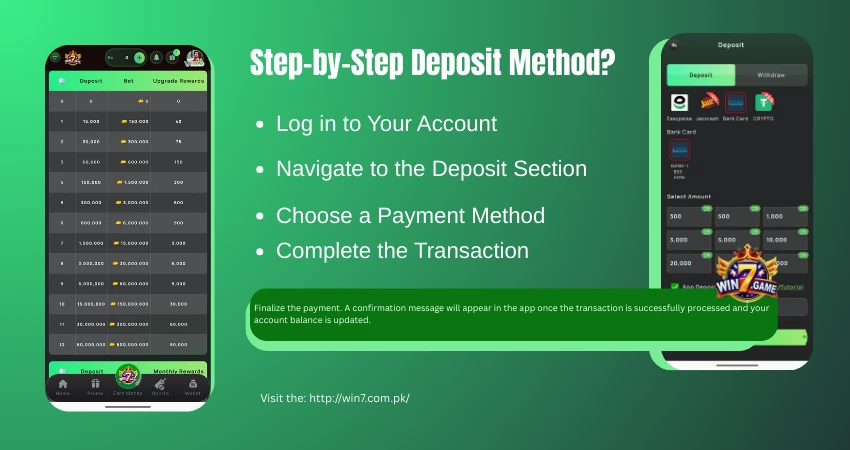
Launch the Win7 Game and create or register your account.
Go to your account, wallet, or main menu and select the option.
Select your preferred transaction method from the available options:
Please just enter the amount you’d like to add and the required payment details. You will be redirected to your chosen payment gateway or receive instructions to complete the transfer from your banking app.
Finalize the payment. A confirmation message will appear in the app once the transaction is successfully processed and your account balance is updated.
Depositing funds is a standard step to engage with the platform’s real-money features. The process uses common local payment methods for convenience. Always ensure you are using official channels, double-check transaction details, and manage your spending responsibly.
Yes, most promotional offers and bonuses have an expiration date and specific terms. You can always check the promotion details in the app for validity periods and conditions.
This process is typically processed and reflected in your game account balance within a few minutes.
The Win7 platform generally does not charge fees. However, standard transaction charges from your payment provider (JazzCash, Easypaisa, or bank) may apply.